Run a smoother
cloakroom.
Replace paper tickets with a system built for real counter pressure. Guests arrive ready, staff log everything, and you see it all live.
Everything your team needs.
Nothing they don't.
Faster counter flow
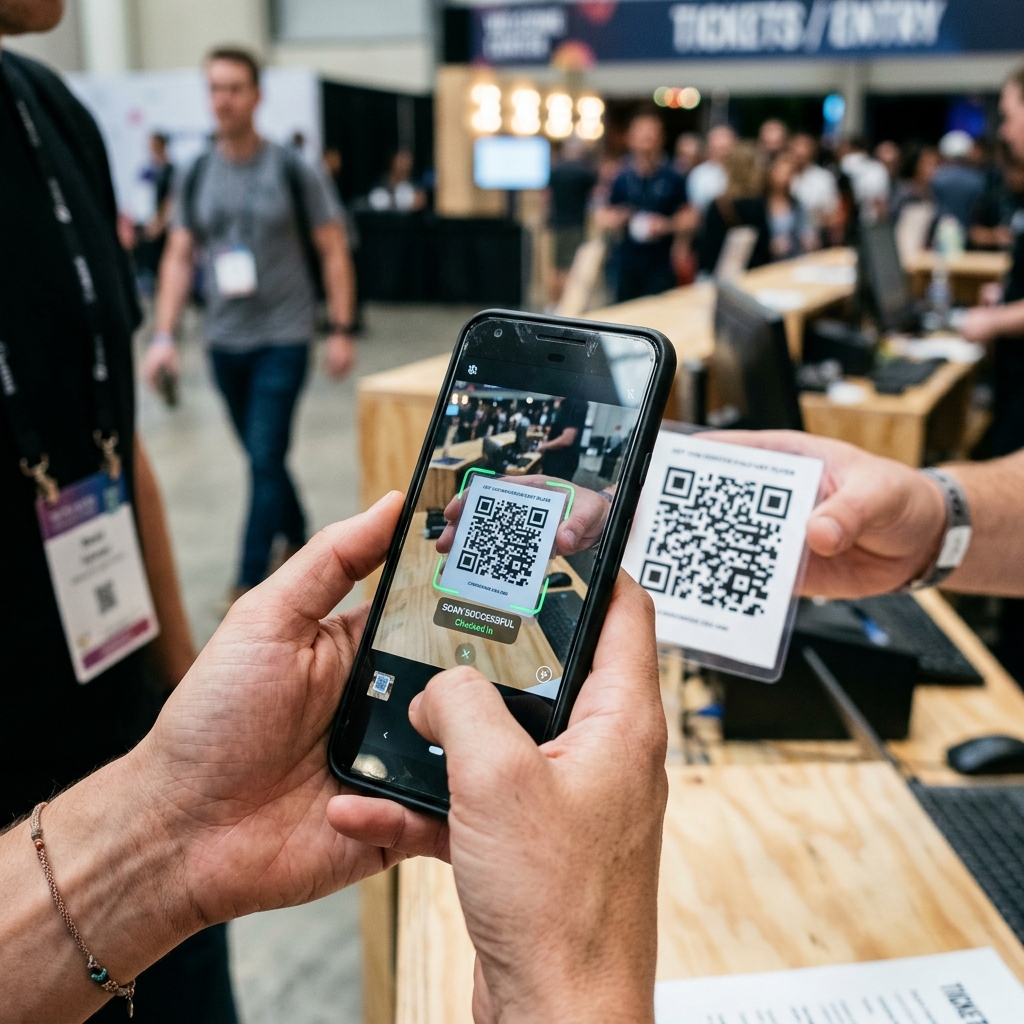
Guests arrive with a QR pass already created. Staff scan and activate in seconds — no paper, no handwriting.
Zero-dispute handovers
Every item is logged at drop-off with type, count, location, and a timestamp. No more he-said-she-said.
Live capacity view
See how many slots are in use in real time. Know when you're approaching full before it becomes a problem.
Multi-staff access
Give each counter staff member their own login. Managers see the full dashboard; staff only see what they need.
QR + text fallback
Every pass has both a QR code and a plain-text fallback code. Queues keep moving even when cameras struggle.
Analytics included
Hourly ticket volume, item-type breakdown, peak-hour callouts. Export nothing — it's all in the dashboard.
Built for the counter,
not a spreadsheet.
The scanner interface is designed for one-handed use at a busy counter — big tap targets, instant feedback, and a full-screen result flash so staff can keep moving.
- Green flash on valid scan, red on any error
- Manual code entry when camera can't read QR
- Activation form captures items, count, and notes
- Works on any phone — no dedicated hardware
Ticket activated
Slot 12 · 1× Coat, 1× Bag

Slots in use
68 / 100
Know your capacity
before it's full.
The manager dashboard updates in real time via live data subscriptions. Pending, stored, collected, and capacity — all visible at a glance without refreshing.
Today
Total tickets created
Stored
Currently in slots
Collected
Returned today
Capacity %
Live utilisation
Live in four steps.
Register your venue
Fill in your details and select a plan. Takes under five minutes.
Get reviewed
Our team reviews submissions within one business day and activates your account.
Add your staff
Create logins for counter staff from the settings panel. They only need a phone.
Go live
Share your check-in link. Guests create passes before they even queue.
Common questions
Do guests need to download an app?
No. Guests access their pass in a browser — any phone, any OS. No account, no download.
What if a guest's phone dies?
Every pass has a plain-text fallback code printed on the ticket detail page. Staff can look it up manually.
How long does setup take?
Under five minutes to register. One business day for review. On approval, your dashboard is live immediately.
Is there a cost for venues?
We offer a trialing period so you can run live events before committing. Contact us if you want to talk numbers.
Start running a better cloakroom today.
Register in under five minutes. No card needed to get started — we review and activate you within one business day.